
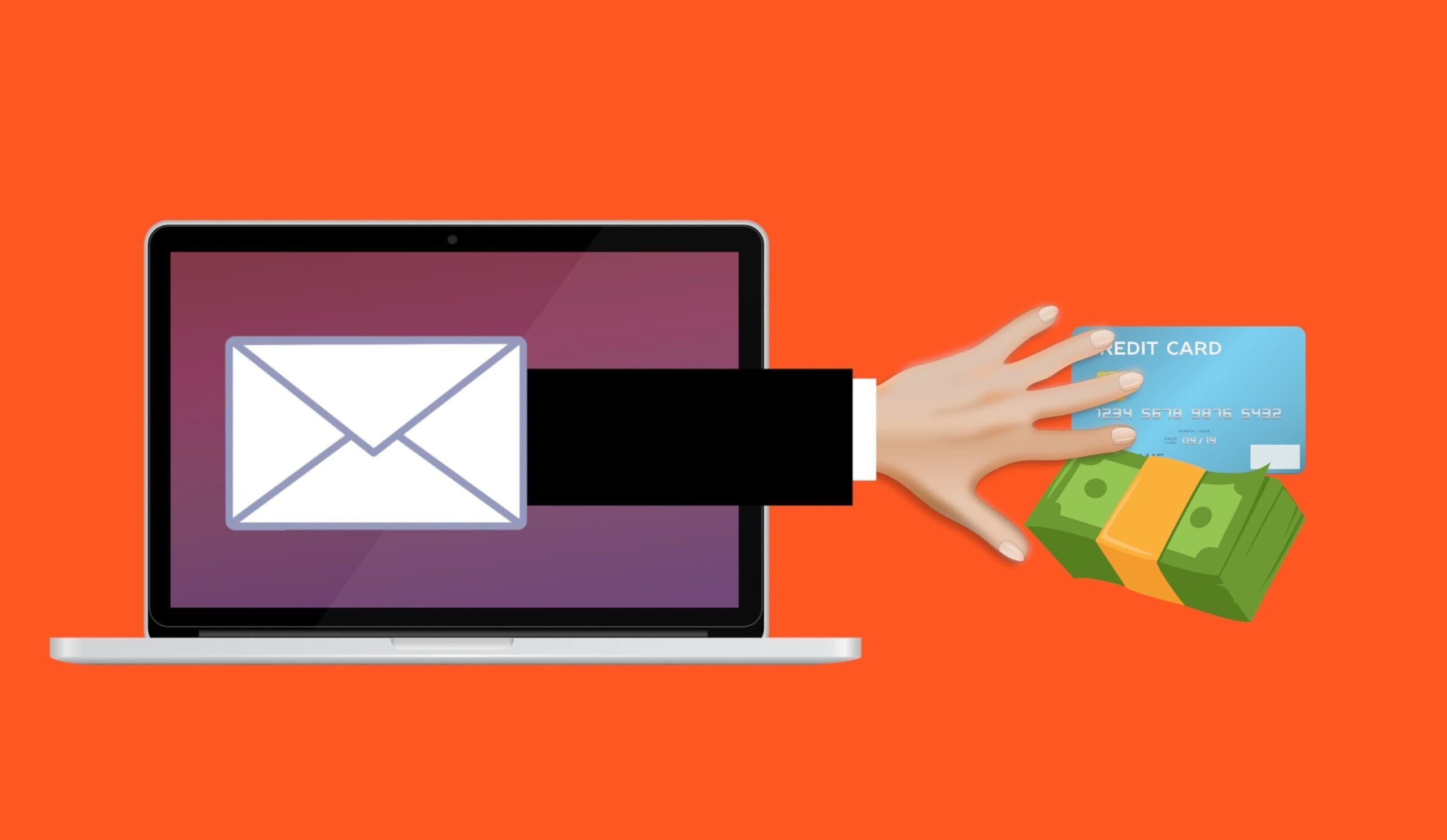
Phishing is the single most common way attackers break into businesses — and it works because the emails have become extremely convincing. Knowing what to look for is one of the most valuable cybersecurity skills your team can have.
Phishing is when someone sends a fraudulent email designed to trick the recipient into clicking a link, opening an attachment, entering credentials, or transferring money. Modern phishing emails are often well-written, well-branded, and tailored to the recipient — gone are the days of obvious typos and “dear sir” greetings.
Here are five real-world phishing patterns your team should recognize. Each example below is the kind of email a small or mid-sized business actually receives every week.
The “Account Suspended” Email
“Your Microsoft 365 account has been suspended due to unusual activity. Click here within 24 hours to verify your account, or it will be permanently locked.”
- Creates artificial urgency to pressure quick action
- Threatens negative consequences (account lockout)
- Asks you to click a link to “verify” — which leads to a fake Microsoft login page
- Real Microsoft never communicates this way
The Fake Boss / CEO Email
“Hi, are you at your desk? I need you to handle something urgent for me — please reply right away. — Sent from my iPhone”
- Pretends to be from the CEO or owner (often spoofed name with a different email address)
- Vague opening designed to start a conversation, then escalate to a money request or gift-card purchase
- Almost always claims to be sent from a phone to explain the brief tone and lack of signature
- Plays on the recipient’s desire to be responsive to leadership
The Fake Invoice / Payment Email
“Please find attached invoice #4827 for the services we discussed. Payment is due within 7 days.”
- Includes a PDF or Word attachment — opening it runs malicious code or reveals a phishing link
- References a vague service to seem legitimate
- Often comes from a slightly misspelled domain that looks real at a glance
- Targets accounts payable and bookkeepers, who handle invoices routinely
The Shared Document Notification
“You have a new document shared with you in OneDrive: Q4_Budget_Final.xlsx. Click here to view.”
- Mimics a real Microsoft, Google, or Dropbox notification
- The link leads to a fake login page that captures your email password
- Often uses your real name or a believable filename to look targeted
- Once they have your password, they can reset other accounts and impersonate you
The Delivery Notification
“Your Canada Post / FedEx / Amazon package could not be delivered. Click here to reschedule delivery.”
- Targets everyone — most people are expecting a package at some point
- Mimics the look of a real delivery notification with logo and branding
- The link leads to a fake site asking for a small “redelivery fee” — which captures your card details
- Increasingly common around the holidays and major shopping periods
What to Do When You Suspect a Phishing Email
The simple rule: when in doubt, don’t click. If an email seems urgent, suspicious, or unexpected, stop and verify before acting. Hover over links (without clicking) to see where they actually lead. Check the sender’s email address carefully — phishing emails often come from addresses that look almost right but have small misspellings or extra characters.
If the email claims to be from a colleague, your bank, or a service provider, contact them through a known channel — phone number from their website, not the one in the email. If it claims to be from Microsoft, Google, or another big provider, log in to your account directly through your browser, not through the link in the email.
When you’re unsure, ask. A 30-second check with your IT team has saved countless businesses from ransomware, fraud, and data breaches.
The Best Defense Is a Trained Team
Technical protections like email filtering, MFA, and endpoint security all help — but a trained, aware team is your strongest defense. The most successful businesses make phishing awareness an ongoing conversation: regular reminders, simulated phishing tests, and a culture where it’s safe to ask “is this real?”
Want to test your team’s defenses?
SirTek Group offers free IT assessments and cybersecurity training programs to help your team spot and stop phishing attacks before they cost you.
Get a Free IT Assessment